For workshops and dealerships

The handover app for the workshop
Intake and release without arguing over scratches

Create the vehicle by its plate, photograph it all round, mark existing damage on the picture, the customer signs on the tablet. At pick-up the release is compared with the intake - the car leaves as it came, and you can show it.

No credit card In the browser, nothing to install Data stored in the EU
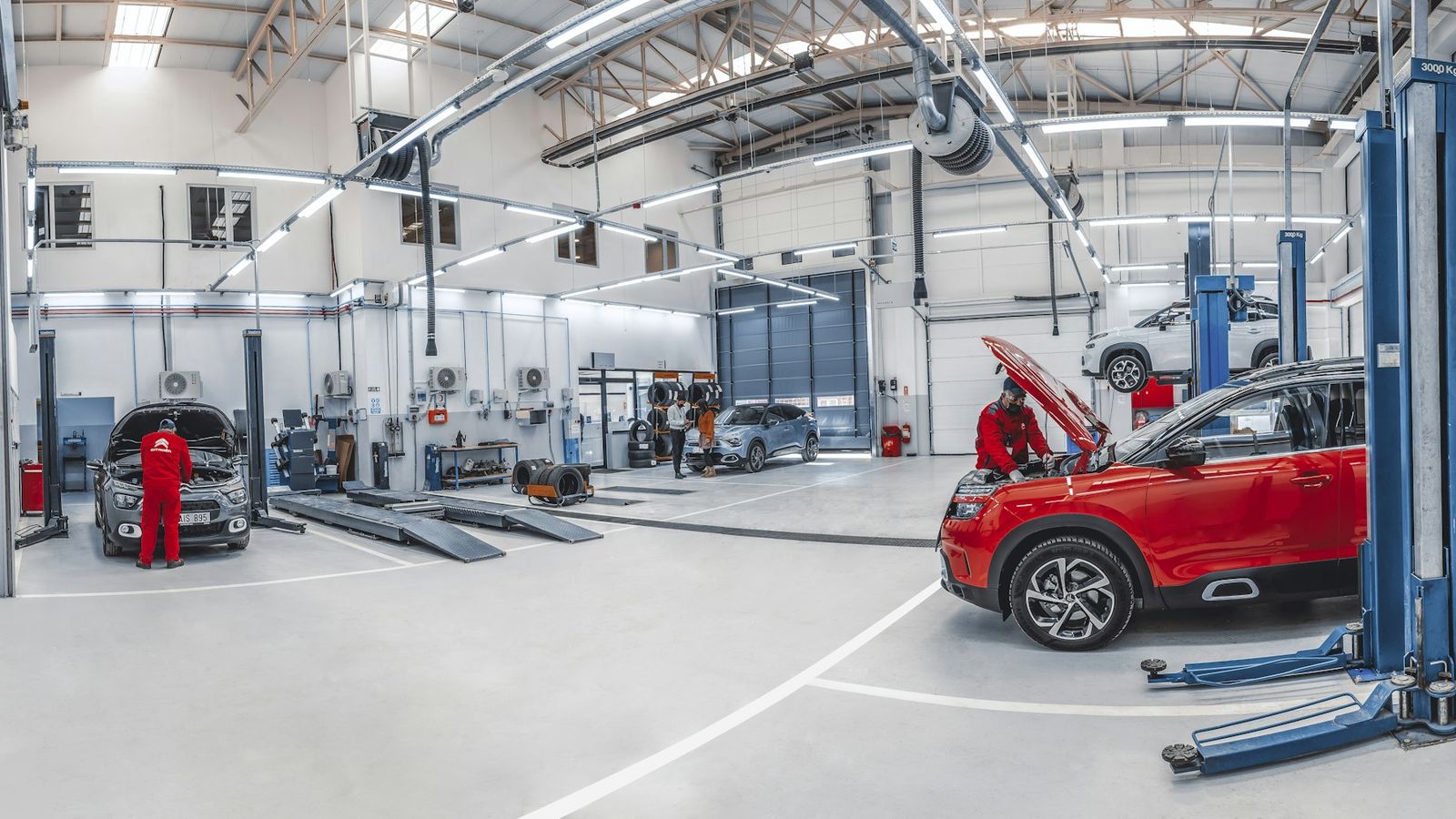
Bright car workshop with lifts, mechanics working on two cars
The problem

"That scratch wasn't there before."

At pick-up the customer points at a dent. The job card has a tick next to "existing damage", the photo is somewhere on the workshop phone. It is your word against theirs, and the workshop had the car last. It ends with a goodwill respray for damage nobody in your team caused.

How it works

Intake in two minutes, release with a comparison

1

Enter the plate

A known vehicle appears at once, with its customer. A new one is created with the plate - nothing more is needed.

2

Photos and damage

Photograph it all round, tap existing damage straight on the photo or the outline drawing, with a close-up if needed.

3

Job and condition

Order number, customer request, mileage, fuel or charge level, tick off keys and service book.

4

Signature and PDF

The customer signs with a finger and gets the record by email straight away. You have the same document in your history.

Features

Built for the counter, not the back office

Vehicle by plate

However the plate is typed, it is the same car. It is recognised on the next visit, with the customer already suggested.

Existing damage on the picture

A dot on the photo instead of "scratch rear left". With a description and close-up, numbered in the PDF.

Release with comparison

Existing damage from the intake is already marked at release, new damage is listed separately. Mileage and fuel level with the difference.

Order number in the record

The number from your workshop system and the customer request appear in the PDF, and the history finds the record by order number.

Keys and valuables

A short checklist: keys, service book, locking wheel nut adapter, valuables in the car. The list can be adjusted per vehicle.

PDF for both sides

With signature, time and all photos. Unchangeable once signed - there is only one version.

You rent out vehicles too?

Then everything stays in one account: switch between rental and workshop in the wizard. Rental cars, courtesy cars and demonstrators run as handover and return, customer vehicles as intake and release.

More about rental →

What it costs

Workshop mode is included in the Pro plan (€79 per month plus VAT), up to 40 vehicles a month. Customer vehicles take no place among your rental objects. For more vehicles there is the Enterprise plan. In the first 14 days, workshop mode is included in every account to try out.

All plans →
Questions

Questions workshops ask

Do I have to install an app?

No. RentalHandover runs in the browser on tablet, phone and PC. At the counter a tablet works best: big enough for the photos, and the customer signs with a finger.

How long does an intake take?

With four to six photos and one or two existing damage items marked, about two minutes. A vehicle that has been in before appears at once with its customer.

Does the customer have to sign at intake?

Yes, the intake is completed with their signature. With it they confirm the condition at drop-off, existing damage included. If the customer collects the car while nobody is there, the workshop completes the release on its own, and the PDF records that the customer was not present.

Does it work without internet out at the vehicle?

Yes, with offline mode: start the intake at the counter, take photos and the signature out at the vehicle without a connection. It is transferred as soon as the device is back online.

Can I export the records?

Yes: the filtered history as Excel or CSV, all PDFs with an overview as a ZIP, for instance for the insurer.

Where is the data stored?

Exclusively in the EU, encrypted and GDPR-compliant. No other business sees your data.

Further reading

Your next intake, on record

Create an account, switch on workshop mode in the settings, take in the next vehicle. No credit card, no setup.

Try it free